01
Connect the cameras you already own
We start with your current camera app, NVR, or IP camera feed and confirm what can be connected before anything changes at home.
CamMinder filters noisy home-camera motion, explains what changed, and sends only the alerts worth checking. Keep your current cameras and get clearer household security without another daily app.
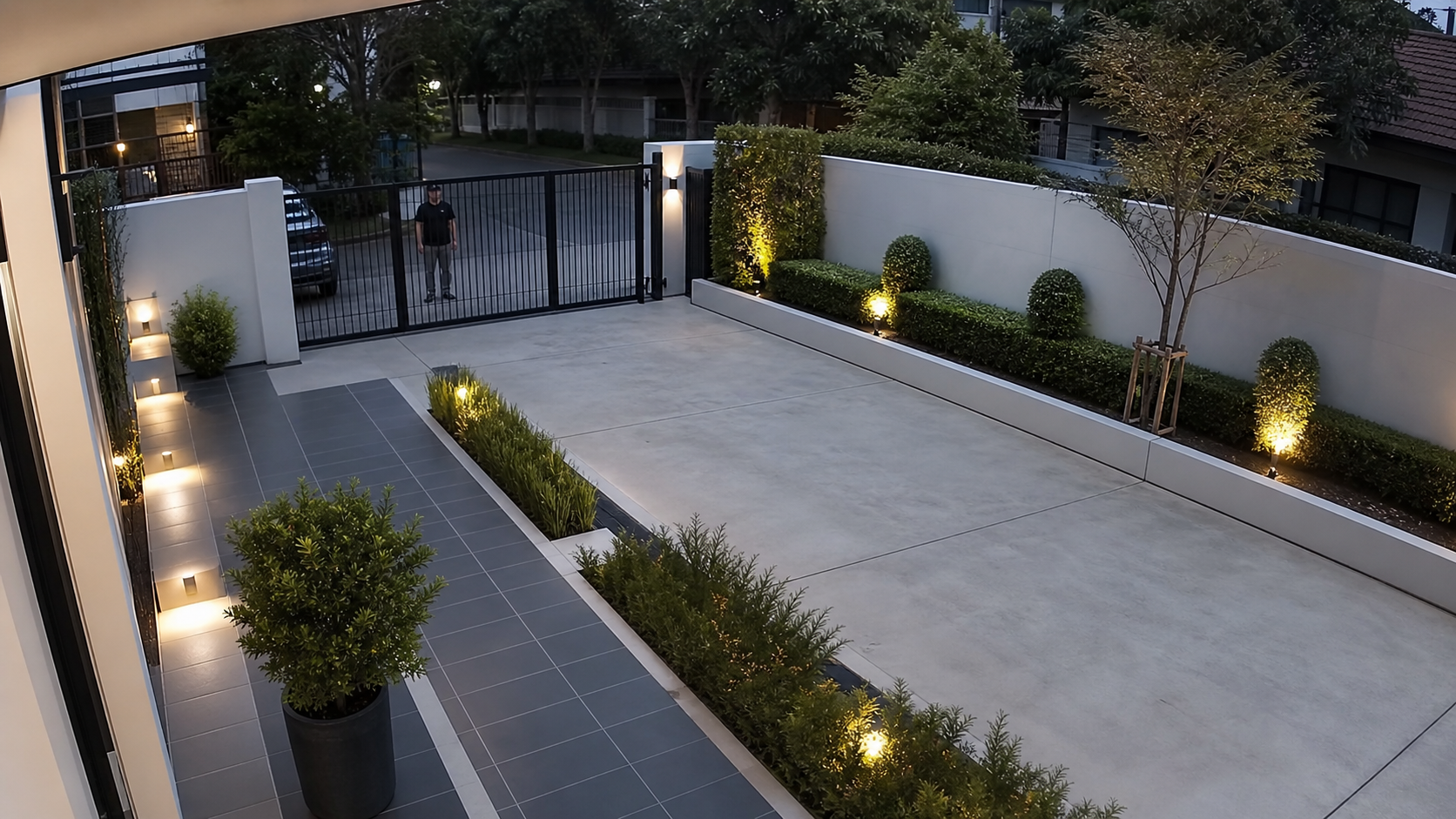
Front gate needs attention
Person detected near the driveway gate. Pets and street traffic were ignored.
How it works
We start with your current camera app, NVR, or IP camera feed and confirm what can be connected before anything changes at home.
Pets, headlights, rain, and tree movement are scored down. People, doors, vehicles, and unusual motion are kept visible.
You get a short message with camera name, reason, time, and next step instead of a stream of raw motion pings.
Home-ready controls
CamMinder keeps the alert stream small enough to trust. The product is tuned around everyday home patterns: school runs, delivery drivers, pets, bad weather, and late-night movement.
Tune out movement that does not need you, while keeping the events that deserve a quick check.
Mark front gate, driveway, balcony, nursery, or store room zones so alerts match real household risk.
Keep low-value motion silent at night while still allowing urgent people, entry, or driveway events.
Route alerts to one WhatsApp contact or a household group without asking everyone to install another app.
Spot cameras that stopped sending events, so a silent feed is not mistaken for a quiet home.
Each alert explains why it was sent, so you can decide whether to ignore, call home, or open the camera app.
Privacy first
CamMinder is designed for private household alerts, not feeds, likes, or public discovery. The setup request asks only for the contact and camera details needed to confirm fit.
No public feed, social sharing, or sale of home camera data.
Alert rules are chosen by the household, camera by camera.
WhatsApp alerts summarize an event instead of exposing a full camera roll.
Setup requests store contact details for CamMinder follow-up only.
Pricing and waitlist
Pricing is intentionally simple: one home, a practical camera limit, and WhatsApp alerts. The waitlist is free and does not collect payment.
For households that want to confirm cameras, WhatsApp target, and setup timing.
Expected early-access plan for small homes and apartments once paid access opens.
Expected plan for larger homes that need more cameras, zones, and alert routing.
Setup request
Tell us what you have at home. The next step is a practical setup review: camera count, WhatsApp target, alert rules, and whether your current camera system can support the pilot.
FAQ
The pilot is built for common home IP cameras, NVRs, and camera apps that can share event clips or standard streams such as RTSP or ONVIF. We confirm compatibility before setup.
No. CamMinder sits beside your existing camera system and sends clearer WhatsApp alerts. Your original camera app remains the source for live viewing and full recordings.
No default setup requires an operator to browse your live cameras. CamMinder is designed to process camera events, classify what changed, and send a short WhatsApp summary only when the alert meets your rules.
Your camera or NVR keeps its own local behavior. CamMinder WhatsApp alerts need internet access, so alerts resume when the camera system and WhatsApp connection are reachable again.
No. The consumer experience is built around WhatsApp. Setup is handled once, then everyday alerts arrive in the WhatsApp thread you already check.
No. The setup request is a waitlist and compatibility check. Pricing is shown so households know the expected range before joining.